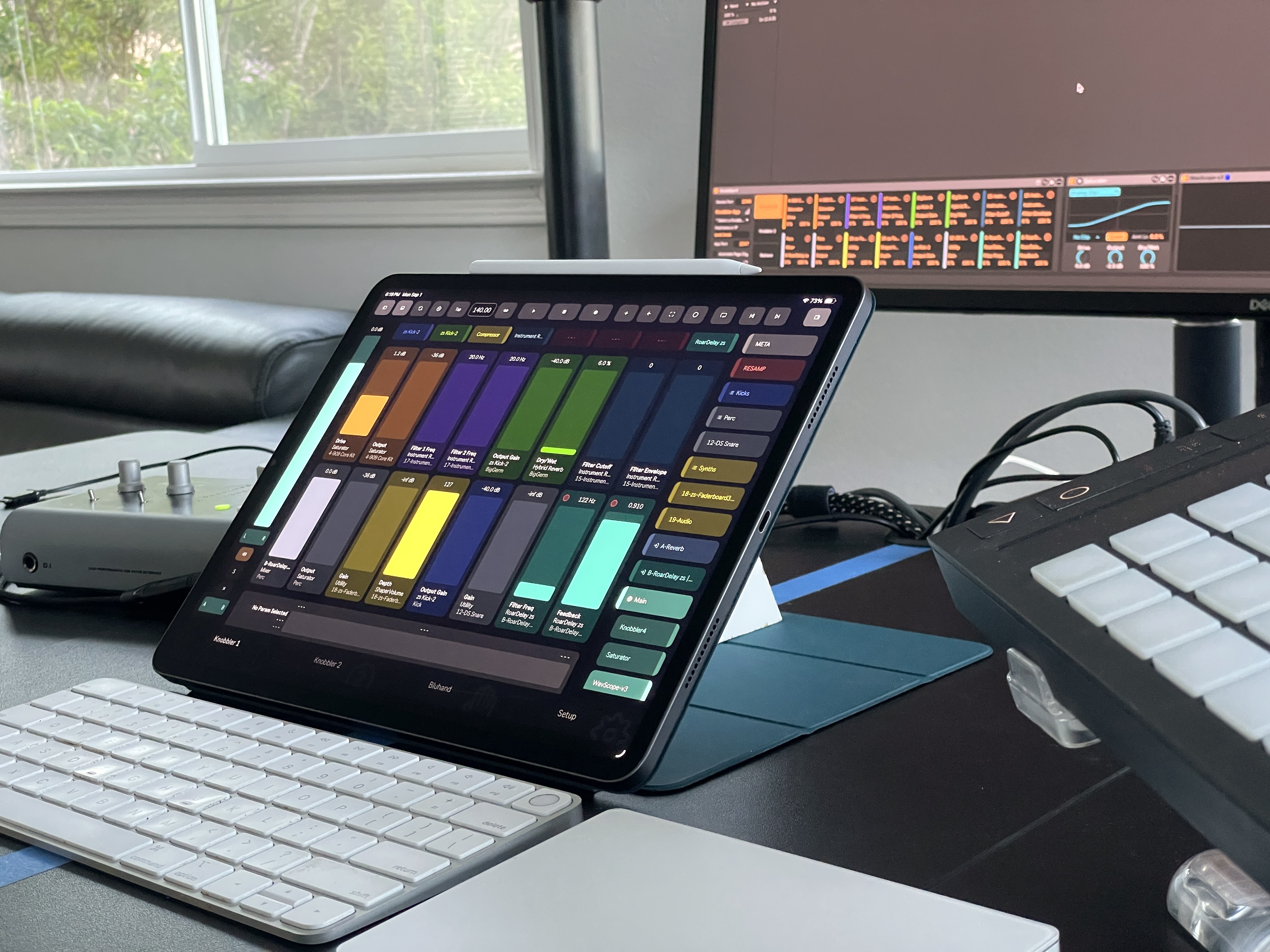
Knobbler4
 Visit #knobbler on Discord
Auto XY Pads in Bluhand
Bluhand turns two parameters that belong together into one XY pad on its own. A filter's Frequency next to its Resonance, or two rack macros named X and Y, show up as a single pad you can sweep with one finger. There is nothing to set up: select the device, and its pads are already there on every bank.
The left parameter is the pad's X axis (left to right), and the right parameter is its Y axis (bottom to top).
Requires Knobbler4 device v77 or newer. To turn Auto XY on or off, use Knobbler app 2026.11.16 or newer.
Which parameters pair up
Two neighboring parameters become a pad when the left one's name contains a word from the left column and the right one's name contains a word from the same row's right column:
| Left parameter (X) contains | Right parameter (Y) contains |
|---|---|
| Freq, Frequency or Cutoff | Res, Reso, Resonance or Q |
| X | Y |
| Pan | Tilt |
| Time | Feedback |
The rules
- Side by side, left word first. "Cutoff" followed by "Resonance" makes a pad. "Resonance" followed by "Cutoff" doesn't.
- On the same row. Bluhand shows each bank as two rows of eight, and a pad never spans the break between the rows: the last parameter of the top row can't pair with the first of the bottom row.
- One pad per parameter. In "Freq, Res, Res", only the first two pair.
- Whole words, in any case. "Filter Cutoff", "LFO X" and "delay time" all count. "Xtra", "Timer" and "Panic" don't, because the word has to stand on its own.
- A number stuck to the word stops the match. "Freq 2" and "Freq-2" work; "Freq2" doesn't.
Making your own pads with a rack
Rack macros are the easiest way to build exactly the pads you want. Rename two neighboring macros so they match a row of the table, for example X and Y, or Cutoff and Reso, and they join into a pad straight away. Rename one of them to something else and the pad splits back into two sliders.
Map anything you like to those macros and you have an XY pad for it. Names can say more than the match word, too: "Space X" and "Space Y" pair just like "X" and "Y".
(A rename takes effect immediately on the bank you're looking at. On other banks it shows the next time you select the device.)
Turning it off
Auto XY is on by default. To turn it off, go to the app's Settings → Device and switch off Auto XY Pads in Bluhand. The setting is saved with the Knobbler4 device in your Live Set, so each device remembers its own choice.
Bluhand has no manual join or split. If you want an XY pad that doesn't follow these names, map the two parameters to a Knobbler page and join them there in Layout mode (see X-Y Pads).
Want another pairing?
The word list is built into the Knobbler4 device. If there's a pair of parameters you'd like to see as a pad, let me know and it can go in a future release.