 Knobbler4
Release Timeline
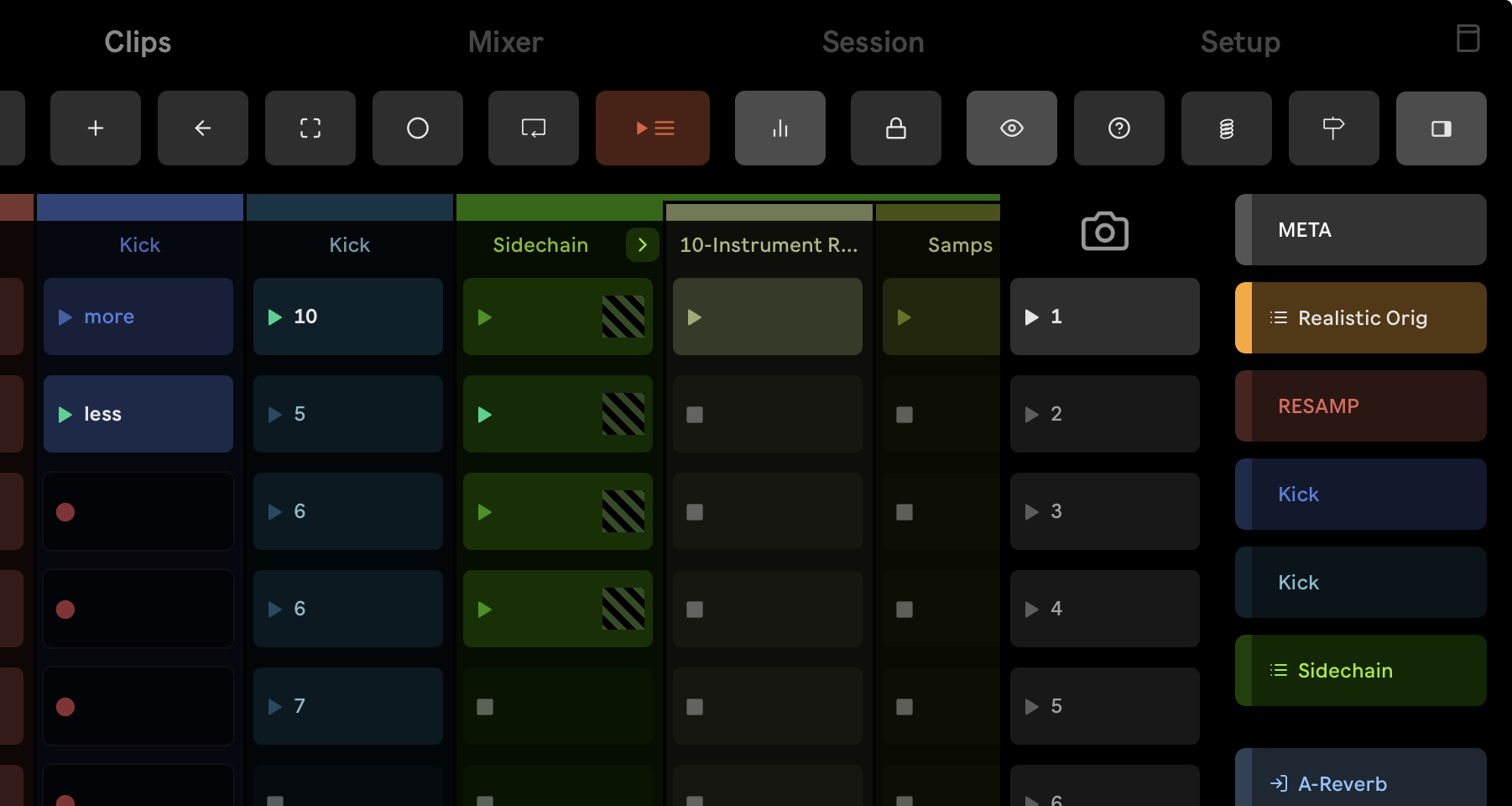
Every Knobbler release on one timeline, spaced by the real time between them: the app down one side, the Max for Live device down the other, and the photos and clips from each device release running down the center. Hover or tap any release for its full notes.
Button Slots, Variations & Split View Support
Buttons, not just faders.
read notes ›
Momentary / Toggle Buttons + Split View
A Knobbler slot can now be a button instead of a fader.
2 notes ›
Automatic USB discovery
USB connections to a Mac are now discovered automatically, so using Knobbler over a cable is as simple as Wi-Fi: plug your iPad or iPhone into the Mac running Live, and the Mac appears a second time under Available devices, marked USB.
2 notes ›
Named Knobbler Pages
Named Knobbler pages.
read notes ›
Put a rack’s macro variations on a Knobbler page
Put a rack’s macro variations on a Knobbler page (requires Knobbler4 device v74 or newer): on Bluhand, tap the Map button, tap the rack’s variations, then tap a Knobbler slot.
4 notes ›
Name your Knobbler pages
Name your Knobbler pages, and have up to 16 of them per Live set instead of two (requires Knobbler4 device v73 or newer).
4 notes ›
Master Cue Volume + Operator Bank Rework
Master cue volume.
read notes ›
Smoother and more responsive
Smoother and more responsive, especially with large sets: Knobbler now uses much less memory and processing power while meters are running and sliders are moving
4 notes ›
Swipe between Bluhand banks
On tablets, swipe left and right on the Bluhand page to move between parameter banks.
2 notes ›
Parameters with many choices
Parameters with many choices, like a filter type, now show every choice as a button in a scrolling list instead of falling back to a slider
1 note ›
Edit Your Set From the Nav Panel
New opt-in Auto-Open Plug-in Windows mode, from the app or the checkbox on the device's Bluhand page: as you move between devices, the plug-in editor window for the one you left closes and the new one's opens.
read notes ›
Edit your set from Live Set Navigation
Edit your set from Live Set Navigation (requires Knobbler4 device v71 or newer).
6 notes ›
Support for Pre-loading Clips and Mixer Tracks
Scrolling the Mixer and Clips pages on a large set now shows real values the moment a strip or clip slot comes into view.
read notes ›
Every page is now ready before you open it
Every page is now ready before you open it.
2 notes ›
Fixed a stuck Mixer fader
Fixed a Mixer fader that could get stuck showing -inf after pressing Refresh, even though the track in Live was at a normal level
2 notes ›
More work on scrolling
More work on scrolling: the Mixer, Clips and Session pages are now about twice as responsive to your finger.
3 notes ›
Big sets scroll dramatically faster
Big sets scroll dramatically faster.
3 notes ›
Knobbler keeps working after the trial ends
Knobbler keeps working after the trial ends.
4 notes ›
Reorder your Device Shortcuts
Reorder your Device Shortcuts (requires Knobbler4 device v70 or newer) — tap the Map button, tap a shortcut button to pick it up, then tap another shortcut to swap the two devices (or an empty button to move it there)
2 notes ›
Blue Hand Follows Rack Chains
The device page now follows Live's blue hand, so selecting a chain inside a rack switches the controls to that chain's device instead of staying on the rack.
read notes ›
Track Width
Track Width: long-press the Width button in the toolbar and slide left or right to resize the track columns on the Mixer, Session, and Clips pages — whatever is in the middle of the screen stays put as they resize.
3 notes ›
Recording Clip Feedback, Meters On by Default
This release improves feedback while recording Session clips:
read notes ›
Clip progress now appears on the Session page too
Clip progress now appears on the Session page too — playing clips show the same phase pie, play count, and loop length as the Clips page (requires Knobbler4 device v68 or newer)
4 notes ›
Live Clip Progress, Mixer Meter Fix
This release adds a live progress indicator to the Session clip grid.
read notes ›
Live clip progress
Live clip progress (requires Knobbler4 device v67 or newer) — playing clips show a phase pie that fills as the clip plays, along with the current beat and play count; clips with a pending stop flash until they actually stop
6 notes ›
Massive Efficiency Gains, Theme Fixes, Track Rename Fix
This release contains a massive amount of under-the-hood work on keeping the device footprint as small as possible in your Live Set.
read notes ›
Instant page switching, now even on the largest sets
Instant page switching, now even on the largest sets — moving between the Knobbler, Bluhand, Mixer, Session, and Clips pages is immediate no matter how big your Live set is
4 notes ›
 v65
Back to Arrangement; multiplayer reliability
Requires the latest app version to expose the new Back to Arrangement button.
read notes ›
v65Support multiplayer Knobbler; UTF-8 fix
With app version 2026.5.25 or newer: Multiplayer Knobbler!
read notes ›
Multiplayer Knobbler
Multiplayer Knobbler (requires Knobbler4 device v64): tap the “Follow Sel” button in the toolbar to unlock a surface from Live's selected track and device so it navigates on its own — run an instance per tablet and each can control a different track and device at the same time
4 notes ›
Arrangement Transport & Cue Points
Arrangement transport control via the new `pos` capability: stream the song-position playhead (throttled ~20Hz) with song length and time signature, and scrub it from the app (`/scrub`).
read notes ›
Swap or move a mapping between knobbler slots
Swap or move a mapping between knobbler slots (requires Knobbler4 device v62) — tap the Map button, tap a mapped slot, then tap another slot to swap the two mappings (or move it, if the target slot is empty)
4 notes ›
Support for Swap; Reliability Fix
With app version 2026.5.22 or newer, swap or move a slot's mapping to another slot via the new `swap` capability.
read notes ›
Massive performance update, works with 12.3 again
Massive rearchitecture yielding big leaps in speed and efficiency.
read notes ›
WARNING: 12.4 ONLY Mixer mapping, migrate to [v8], implicit mute by solo
UPDATE / NOTE: THIS RELEASE ONLY WORKS WITH Live 12.4 / Max 9.1 -- v61 restores compatability with 12.3 / 0.0
read notes ›
Mixer-to-knobbler mapping
Mixer-to-knobbler mapping (requires Knobbler4 device v60) — tap the Map button, then tap any mixer (volume / pan / sends / mute / crossfader) or bluhand source, then tap a knobbler slot to complete the mapping
8 notes ›
P3SA Multi-Device Support, Optimize Performance
This release enables Push 3 Standalone users to run multiple Knobblers instances and devices.
read notes ›
Instant page switching
Instant page switching — Knobbler, Bluhand, Mixer, Session, and Clips pages stay loaded and switch with no perceptible delay
4 notes ›
Push 3 Standalone support
Push 3 Standalone support — one-tap connect to push.local on shared Wi-Fi, or 192.168.0.1 in Push hotspot mode
5 notes ›
▶
v58Honor "Select on Launch" Preference
Honor Live's "Select on Launch" preference when firing clips and scenes from the Knobbler clip view -- previously these always selected the launched clip/scene regardless of the preference.
read notes ›
▶
v58Performance for Physics
This is a purely under-the-hood release with changes in Knobbler's core message sending and receiving architecture.
read notes ›
Draggable ghost
Draggable ghost — long-press the origin indicator during a spring animation to drag the target in real-time
7 notes ›
Live 12.4 Readiness, P3SA
This release focuses on readiness for Live 12.4.
read notes ›
Release modes
Release modes: time (with easing), rubber band, and gravity — expanding beyond spring-only
5 notes ›
Adjustable spring duration
Adjustable spring duration — long press the Spring button to open a draggable slider (1ms to 100s)
4 notes ›
New Spring mode
New Spring (momentary) mode — touch any slider or X-Y pad, drag, release to spring back to its original value
4 notes ›
Multi-device X-Y fix; Experimental performance boost
Per-instance settings for multi-device support (X-Y pairs and meters state are now independent per device); Session page tab; Experimental performance improvement for mixer and clip view scrolling.
read notes ›
What’s New page and update popup
What's New page in Setup and popup on version update
7 notes ›
Buttons now support multitouch
Buttons now support multitouch — tap buttons while using sliders
2 notes ›
Auto, Light, and Dark appearance modes
Auto, Light, and Dark appearance modes
2 notes ›
Session view
Provides support for verion 2026.3.31 of the app, which includes a new Session view.
read notes ›
Knobbler Tips page with usage tips and tricks
Knobbler Tips page with usage tips and tricks
3 notes ›
Session page with combined clips and mixer view
Session page with combined clips and mixer view (iPad)
5 notes ›
Fixed purchases not syncing across devices
Fixed purchases not syncing across devices
1 note ›
Fixed a crash when receiving certain messages
Fixed a crash when receiving certain messages
3 notes ›
Clips View!
Another big release for Knobbler this year -- Clips view!
read notes ›
Clips grid scrolling refinements
Improved clips grid scrolling on iOS
3 notes ›
Smoother clips grid scrolling with GPU acceleration
Smoother clips grid scrolling with GPU acceleration
5 notes ›
Mixer View; Data Bundling; Efficiency and Reliability
This is a huge release!
read notes ›
Phone layout overhaul
Phone layout overhaul — unified pages, swipeable mixer sidebar
6 notes ›
X-Y Support; Large Set Reliability
This is a significant release in that it contains support for X-Y controls in the forthcoming 2026.2.14 release of the app.
read notes ›
Mixer page with multi-track channel strips
Mixer page with multi-track channel strips, volume meters, and track overview bar with drag-to-navigate
3 notes ›
Adds support for undo and redo toolbar buttons.
Adds support for Undo/Redo buttons when used with version 2026.2.3 of the app or newer.
read notes ›
Handle `/playCuePoint` message
This update supports a forthcoming app update that adds a play button next to each cue point.
read notes ›
2026
Send Cue Point display time
This release is a small change to add Bars.Beats.16ths display to cue points display.
read notes ›
Multi-button support with quantization toggle
Multi-button support with quantization toggle — buttons now execute multiple actions
3 notes ›
Cue Points Support
This release adds the `/cuePoints [...]` OSC message to populate a list of cue points in the next app release.
read notes ›
Support for Multi-Buttons
This release adds the `/quantItemsN {list}` OSC message for a parameter.
read notes ›
Support for button UI for toggles
This release adds support for a forthcoming app release that supports toggle buttons in the UI instead of sliders for parameters with two possible states.
read notes ›
Fix missing VST param bug
Thanks Peter Bäckgren for the bug report!
read notes ›
Observe track record arm status
This release is a small bugfix.
read notes ›
Fix VST Preset Bug
Thanks u/Ahfekz on Reddit for alerting me to a bug where in most VST instrument plugins, changing presets would often bring the system to its knees if Knobbler was in the set.
read notes ›
In-app purchase model with free trial on iOS
In-app purchase model with free trial on iOS
3 notes ›
Optional Page Automation
This relase makes automating page changes optional.
read notes ›
Chain color for Bluhand and Current Param Slider
This release improves the Bluhand and Current Param Slider experience by using the chain color if applicable.
read notes ›
/toggleGroup and Better Help
This release adds support for receiving a new /toggleGroup {ID} OSC message.
read notes ›
Rework app discovery UX
This release improves the app discovery and selection process to be more intuitive and reliable.
read notes ›
Keepalive /ping /pong; Fix color issue
This release supports a forthcoming app feature where a `/ping` message will be sent every 5 seconds.
read notes ›
Audio Effect + Current Param Support (future app!)
This release switches the Knobbler device to be an Audio Effect device.
read notes ›
Multiple Tablet / Instance Support
This release adds a "Device Port" field, which unlocks the ability to run mutiple Knobbler devices, which unlocks the ability to use multiple tablets!
read notes ›
Current Param display
Current Param display — see the active parameter name and value at a glance
3 notes ›
Reliability Improvements
This release removes support from the Clips functionality introduced in v33.
read notes ›
Support for variations, random macros, version checks
This release adds support for rack macro variations., randomize macro values, and will now alert if a new device version is available.
read notes ›
Resilience, Performance
This release includes an important fix for some of Ableton's "forgotten" devices that do not have a standard JS API implementation, such as CC Control.
read notes ›
Page Param, Auto-Collapse Racks
This release connects the tabs in the device to the tabs on the tablet screen.
read notes ›
Eliminate control surface requirement; More reliable nav
This release eliminates the need to configure a control surface.
read notes ›
Fix group tracks navigation bug
Fix a bug where when looking at tracks inside of a group, the tracks would be shown at the end of the track list rather than where they should be in the hierarchy.
read notes ›
Fix Empty Track Bug
This release fixes a bug in the track/device navigation where a track with no devices would cause some chaos.
read notes ›
ACTUALLY fix parameter bug
Thanks 1000x Andrew Norris for keeping me honest.
read notes ›
Fix VST Parameter Bug
Fixes a bug that mostly shows up in configuring VST parameters, but was related to any time the set of parameters changes.
read notes ›
Watch track output status for mixer enable/disable
Watch `has_audio_output` more closely to enable/disable mixer controls appropriately.
read notes ›
Detect control surfaces; stability
* Detect control surfaces and show a warning if not present (required for Bluhand) * Overhaul refresh system to be snappier and not get lost * Fix bug in exclusive arm code that would try to arm un-armable tracks and generate a warning in the Max console * Add `control_surfaces.txt` file listing control surfaces that will enable Bluhand functionality * Added `Debug` switch to toggle OSC logging to the Max Window * Publishes device version in OSC (`/deviceVersion Knobbler-v23`) so that the iPad app can validate it is new enough
read notes ›
Knobbler and Bluhand pages
Knobbler and Bluhand pages with banks and shortcuts for hardware control mapping
2 notes ›
Exclusive Arm/Solo
Add support to honor the user's exclusive arm/solo setting for the forthcoming iPad app.
read notes ›
Handle collapsed groups; Stability
This relase handles collapsed tracks and brings some additional stability and performance to Knobbler.
read notes ›
Device on/off; Performance Improvements
* Provides support for device on/off to the native app * Performance improvments (caching parent colors and parameter name => parm id list index)
read notes ›
Support for better dropdowns; Automation state
This is another release in support of the forthcoming native iPad app.
read notes ›
Session Record + Main Channel
This small release adds Session Record (circle icon) functionality and adds the Main channel to the channel list.
read notes ›
Track/device browsing, tempo controls
More native iPad app functionality: * Browse all tracks and devices in your set in the Bluhand page * Tempo controls (metronome, tap tempo, tempo input box) * Rack macro parameters limited to visible number in Bluhand -- no more useless sliders
read notes ›
Header Control Buttons Galore!
Removed the title from the native iPad app and added a bunch of buttons.
read notes ›
Knobbler bugfix for v13
Fixes a critical bug with the v13 release.
read notes ›
Tabbed Interface, Bluhand banks improvements, Bugfixes
* New more compact tabbed UI * Bluhand device presets now in the UI * Fix bug with shortcut buttons that could make re-opening a set assign the buttons incorrectly * Curated parameter banks for some stock Live devices (not done) * Use `live.banks` for Max for Live devices on Bluhand * Fix small bug in Bluhand that was emitting errors into the console
read notes ›
Bluhand+Knobbler bugfixes; Native app prep
Thanks to Matthew Flook for reporting a bug in Bluhand that prevented initial values from being displayed.
read notes ›
2025
Bugfix for Current Param Knob crash
Fixes a bug (#13) in the Current Param Knob functionality that caused a garbage string value to be displayed, and in some cases led to a crash.
read notes ›
Simplifications, Bugfixes, Bundled .tosc Template
This release includes some internal simplifications, important bugfixes, and a versioned/bundled .tosc file.
read notes ›
Fix recall bug
A wiley one, again partially due to moving to a single instance of the JS.
read notes ›
Use chain color / title if in a rack
Previously, all parameters in a track would be displayed in Knobbler4 with the same color and track name.
read notes ›
Fix #10 - Multiple sliders mapped to the same param don't update
Thanks @rds2024-3004 for the bug report.
read notes ›
Knobbler - an app to control Ableton Live
Knobbler OSC app for controlling Ableton Live
2 notes ›
Telemetry
This release adds a telemetry "ping" on load.
read notes ›
Device Presets in Bluhand
Adds a row of buttons across the top of the Bluhand tab that you can assign to jump to specific devices.
read notes ›
Bugfixes, refinements
Fine tuning of TouchOSC layout.
read notes ›
Bluhand + Double-tap default
This release re-adds the Bluhand functionality from the prior major version of Knobbler.
read notes ›
Initial Release
Introducing Knobbler4!
read notes ›