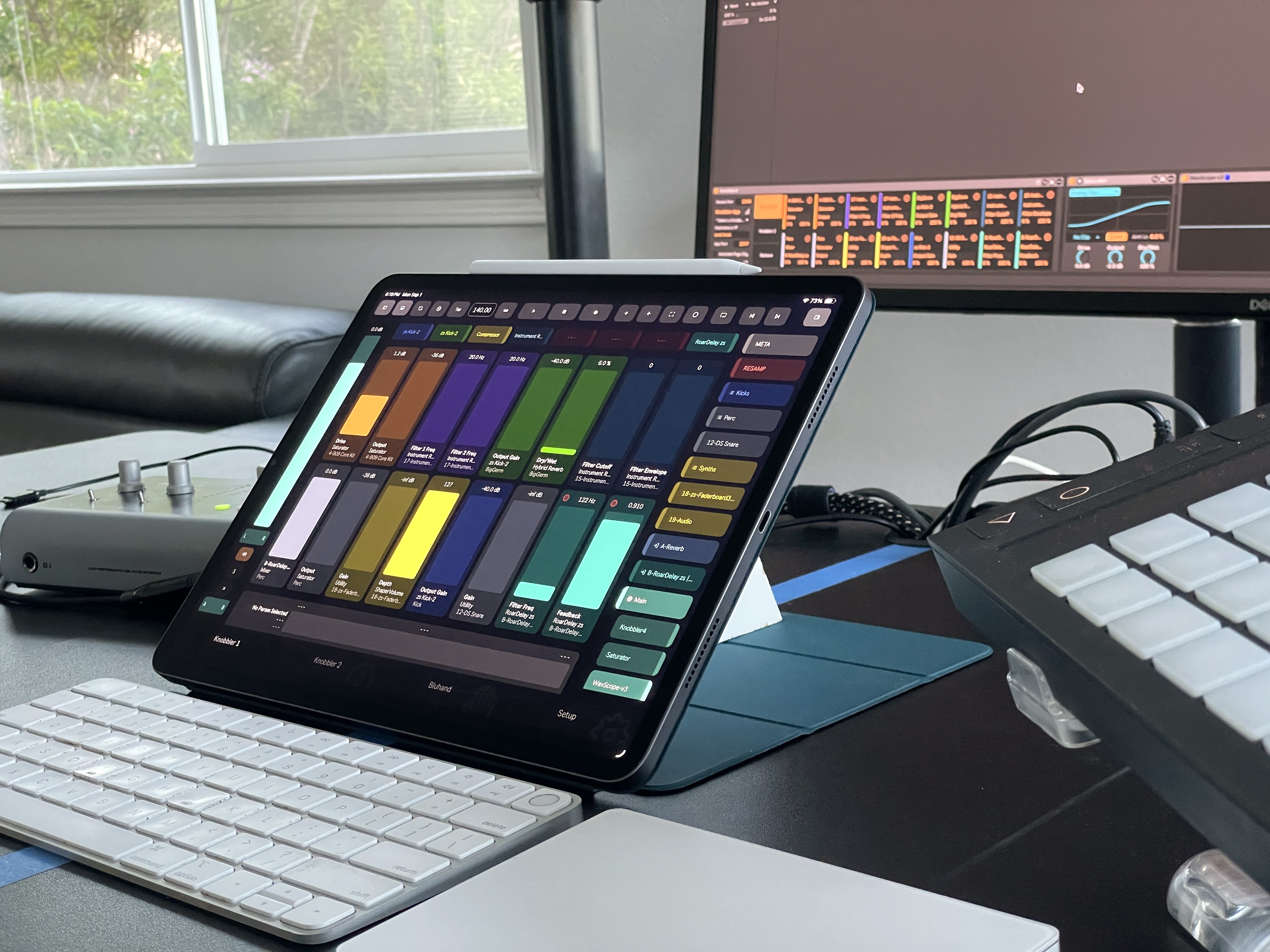
 Knobbler4
Download Latestv71 - Edit Your Set From the Nav Panel
Published 1 week ago
All Releases → Visit #knobbler on Discord
Knobbler Tips
Sliders
- Double tap any slider to return to its default value.
- Use two fingers on any slider for precision (10x finer) adjustment.
- Enable Spring mode in the toolbar to make sliders momentary — touch and drag, then release to spring back to the value at touch start. Works on knobbler sliders, X/Y pads, and mixer faders.
- Show or hide the Current Param slider with the dock-bottom toolbar button.
Clips & Scenes
- Long press a clip or scene to rename it or change its color.
- Show the sidebar mixer strip on the Clips page and use the track titles to change tracks for a very flexible performance system.
Mapping
- On the Bluhand page, tap a parameter name to enter mapping mode — it will outline in green. Switch to a Knobbler page and tap any green-highlighted slider to map it. Tap the parameter name again to cancel.
- Use the Device Shortcut buttons to quickly access your 8 most-used devices. Map a device the same way as a parameter — select the device, then tap an unassigned shortcut button.
Navigation
- On tablets, swipe left or right to move between the two Knobbler pages.
- Keep the Navigation panel open on the Clips or Mixer page to quickly jump around your set. Tap a track name to center the view on that track.
- Use the Cue Points button to access your Arrangement View locators.
- Tap a track name in Mixer or Clips view to select that track.
- Tap the track name under a parameter on a Knobbler page to switch to that track.
- Tap the Follow Sel (lock) button to unlock a surface from Live's selection — it then keeps its own current track and device, so navigating won't move Live's on-screen selection. Run a Knobbler instance per tablet and each can hold a different track and device at the same time. See Multiple Tablets / Phones.
Mixer
- Long press a send or pan slider to open a dialog with larger sliders for all sends and panning.
- Long press the Record Arm button to set that channel to "No Input". This is useful in Arrangement View on MIDI tracks where you have clips already recorded — disable input, press Record, and record automation without overwriting the MIDI clips.
- Enable meters when recording for a really nice monitoring solution.
Workflow
- Use Racks to build reusable instruments or effects chains, and develop muscle memory around their Macro parameter layout on the Bluhand page.
- Capture MIDI is invaluable for quickly building clips or preserving the magic of the moment.
- Long-press the Tempo box, then slide left or right to nudge the tempo in 1 BPM steps. A quick tap still opens it for typing.
Setup
- Consider purchasing an inexpensive (~$30 USD) WiFi base station to bring on the road for a simple, wireless setup.
- Connection trouble? Double-check your firewall, disable any VPN, and ensure Knobbler has Local Network access in your device's security settings. See the Troubleshooting page for more help.
Download Latestv71 - Edit Your Set From the Nav Panel
Published 1 week ago
All Releases →