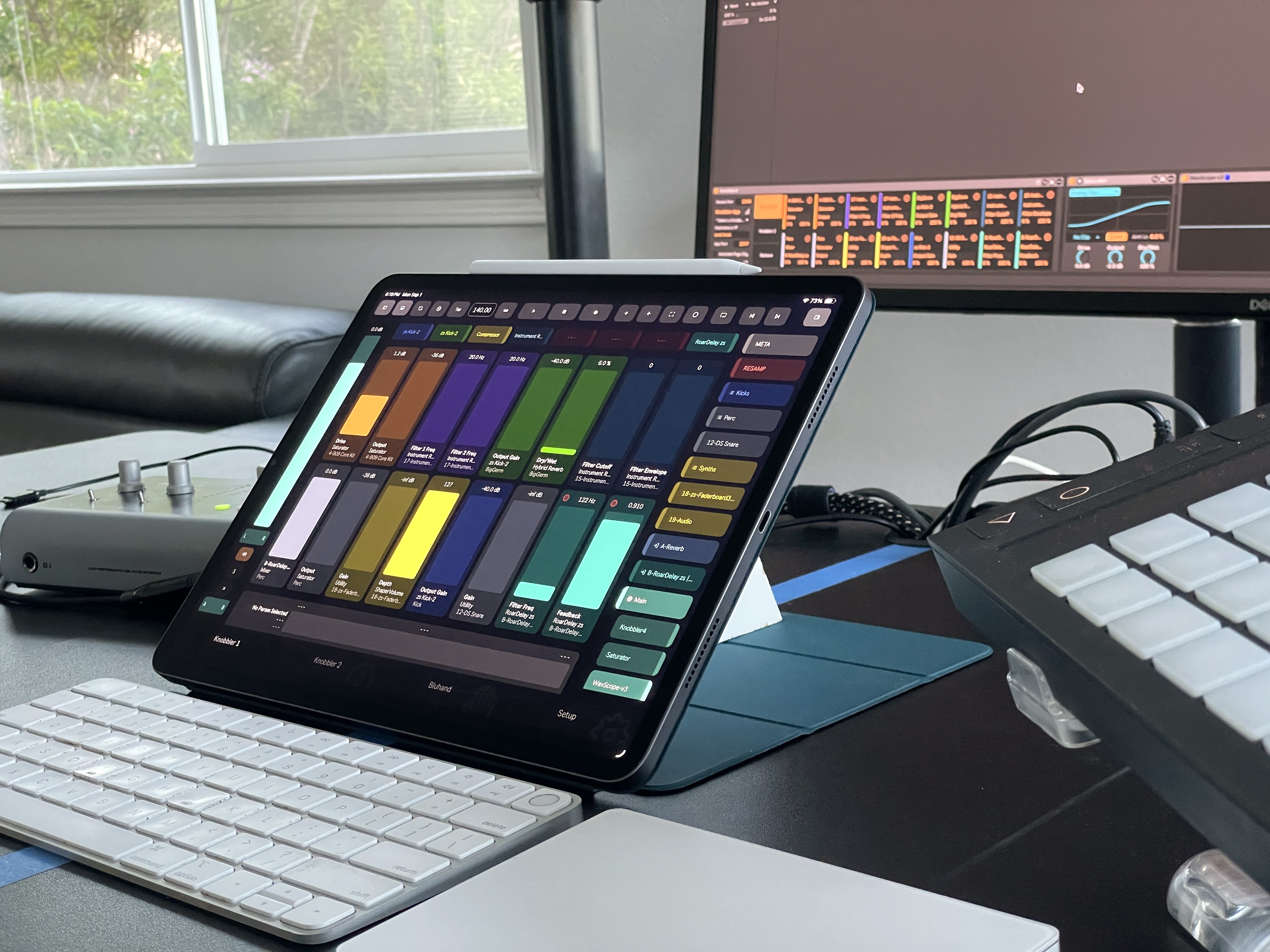
 Knobbler4
 Visit #knobbler on Discord
Setup
- Download the latest version of the Knobbler device for Ableton Live (download button above).
- Get the Knobbler app for your iPhone or iPad or Android device.
- Open Ableton Live.
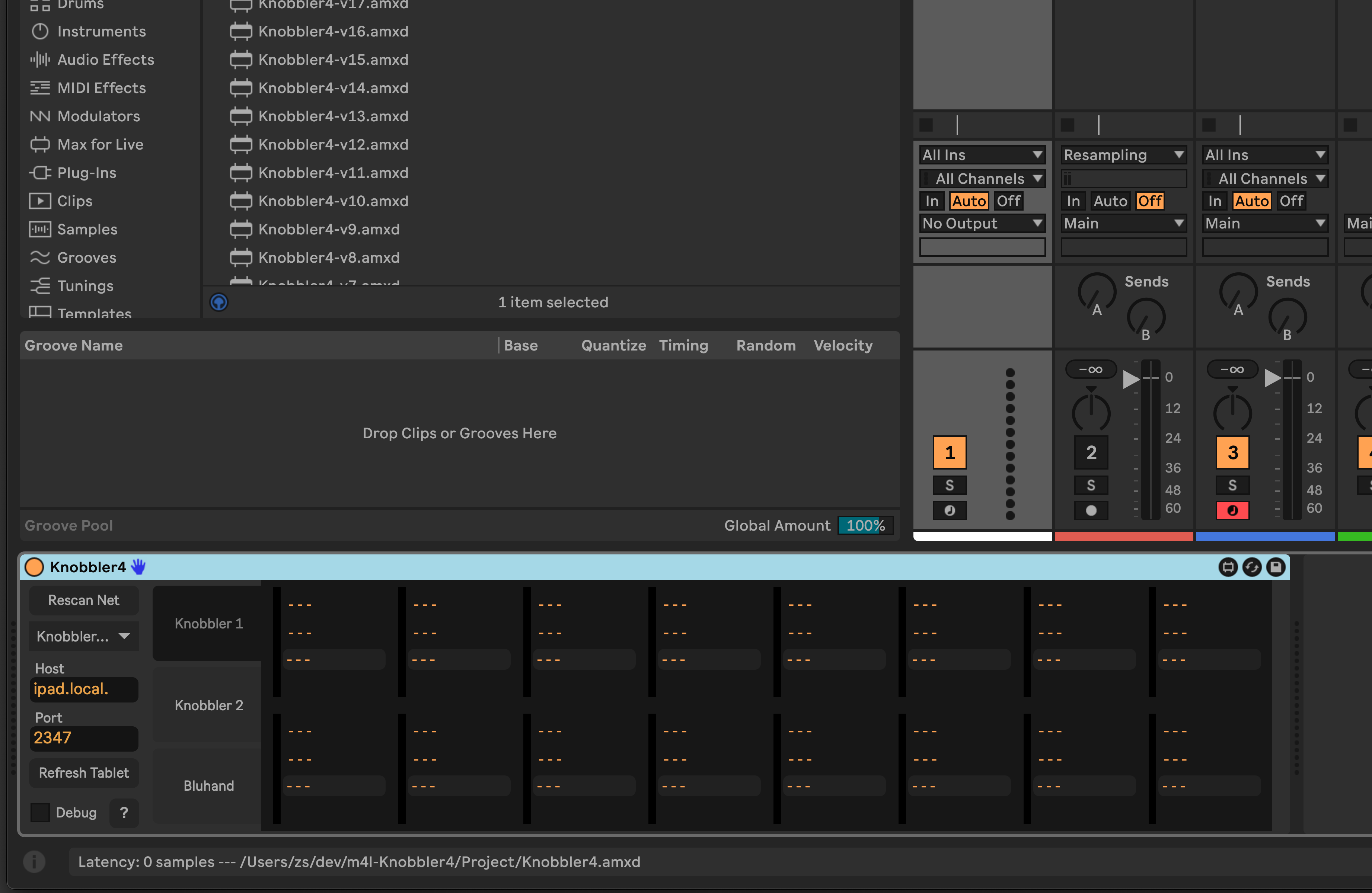
- Add the Knobbler device to a track, perhaps the Main or Master track.
- Open the Knobbler app on your phone or tablet.
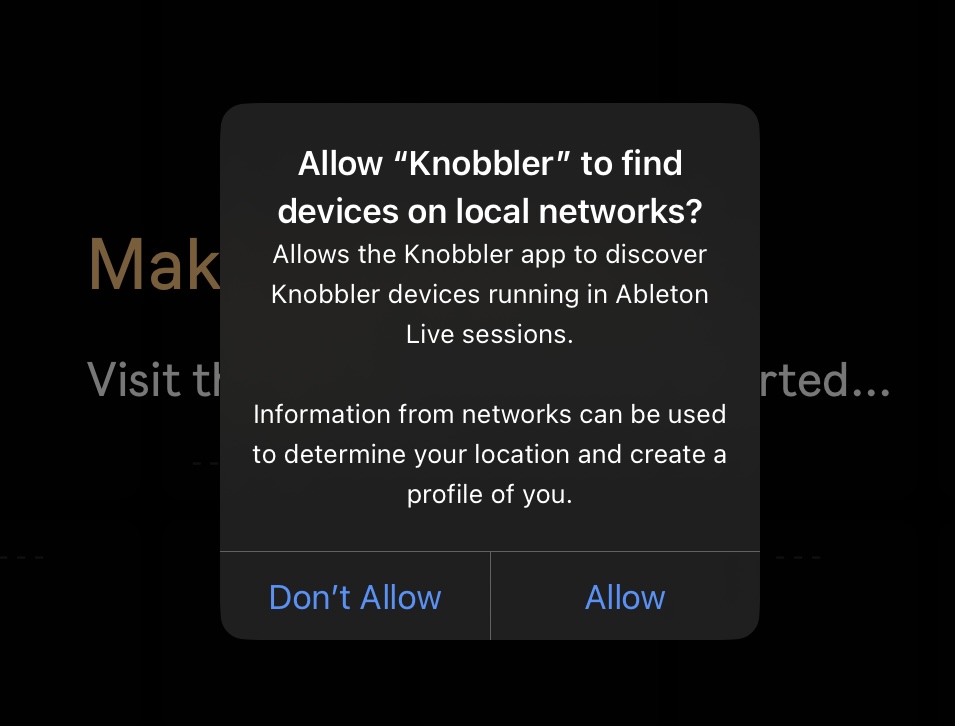
If it's the first time, make sure to allow Knobbler to find devices on your network. This is how it will find its companion device in your Ableton Live set.
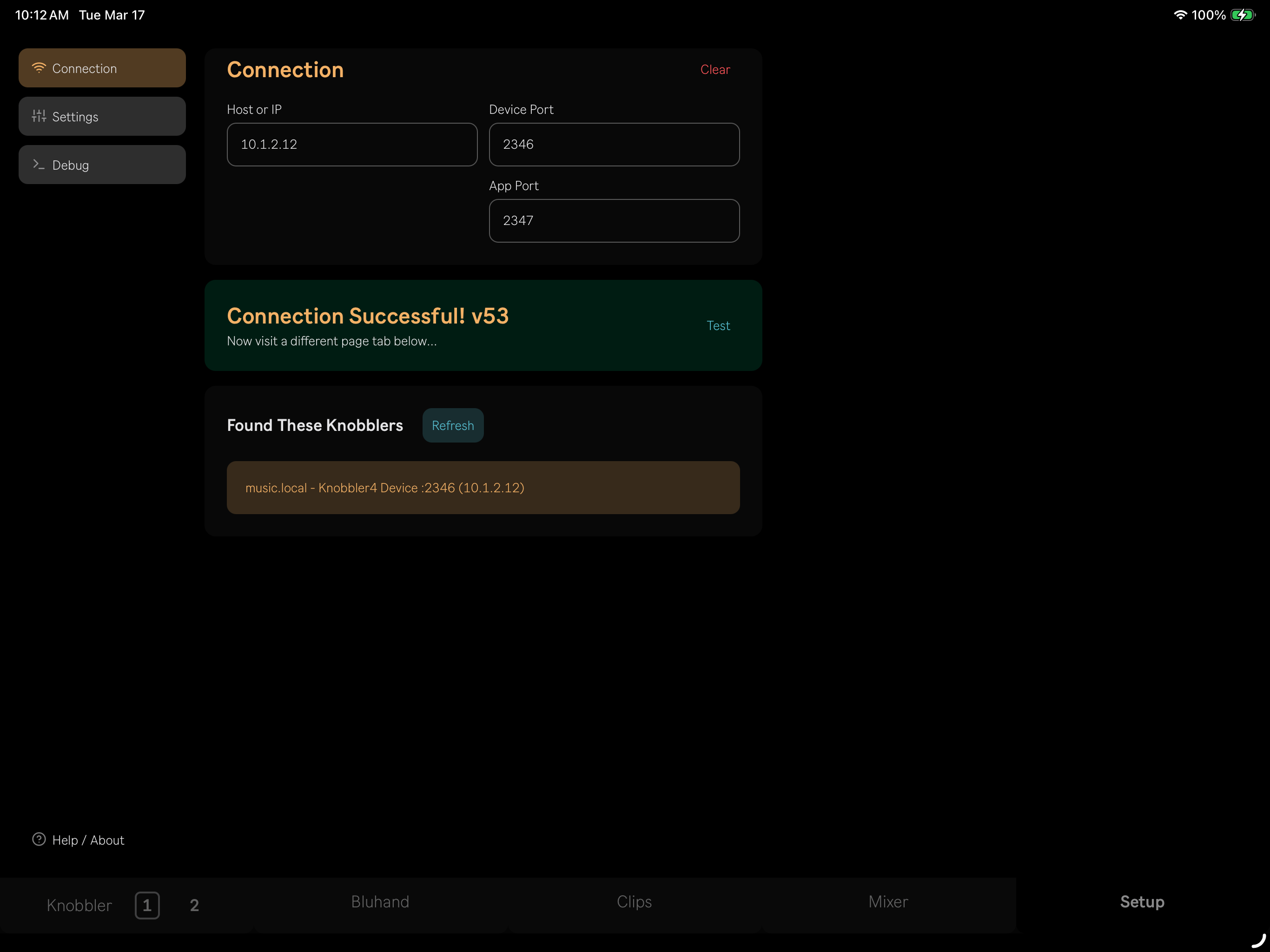
- Go to the Setup tab in the app. Under "Found These Knobblers", tap the entry for your computer. One tap is all it takes — the app sends its address to the device and both sides configure themselves automatically.
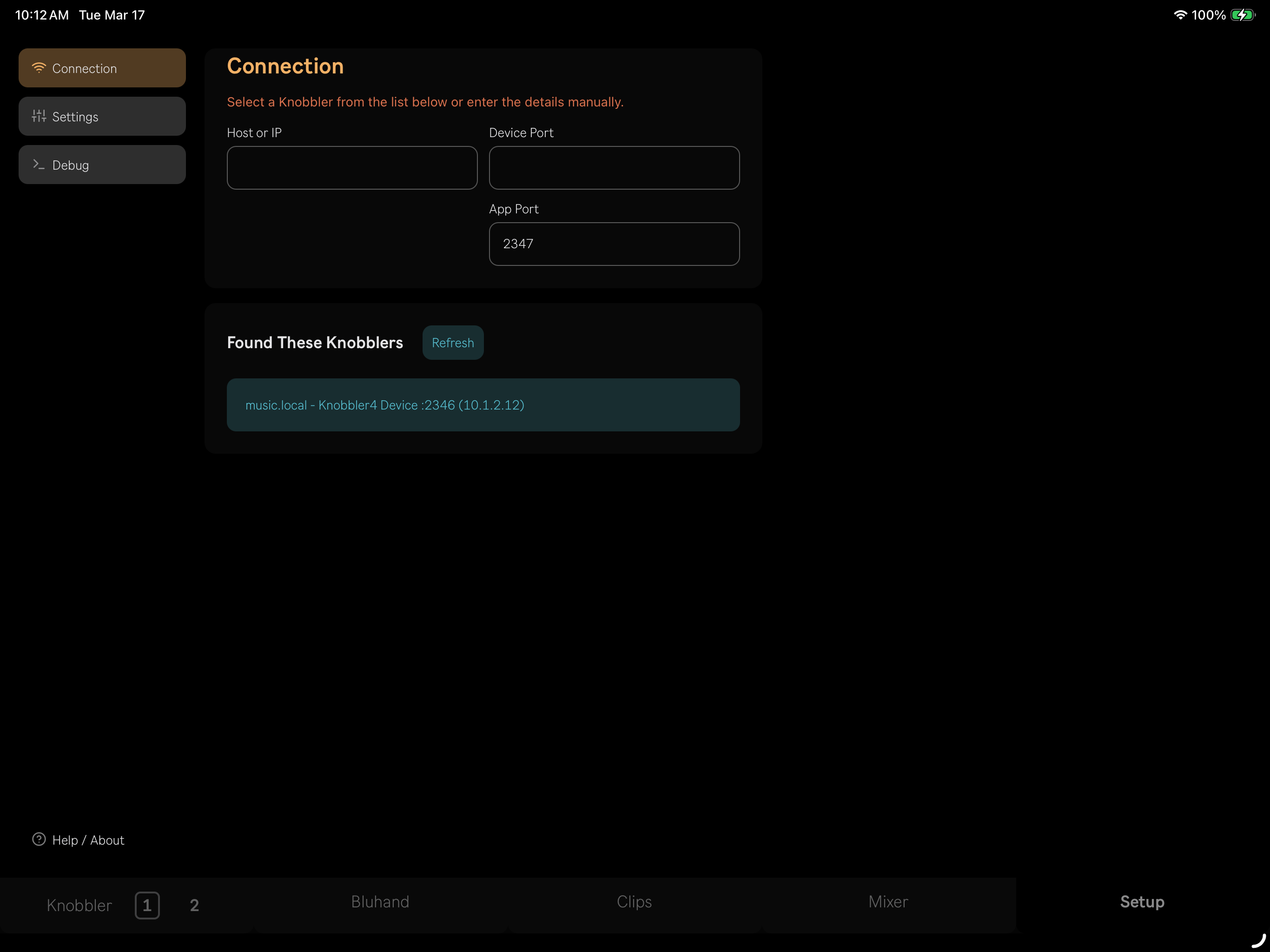
If you see the "Nobody Home" message, tap Refresh to rescan the network. Make sure both your computer and device are on the same WiFi network, and that Ableton Live has Local Network permissions enabled.
- You should see a "Connection Successful!" message. That's it — time to get Knobblin'!
Manual Setup
If one-touch connect is not working for your setup, you can configure the connection manually:
- In the Knobbler device in Ableton Live, switch from "Auto Config" to manual mode.
- Click "Rescan Net" and choose your device from the drop-down list, or enter the host/IP and port manually.
- In the app's Setup tab, enter your computer's host/IP and device port, or select it from the discovered list.
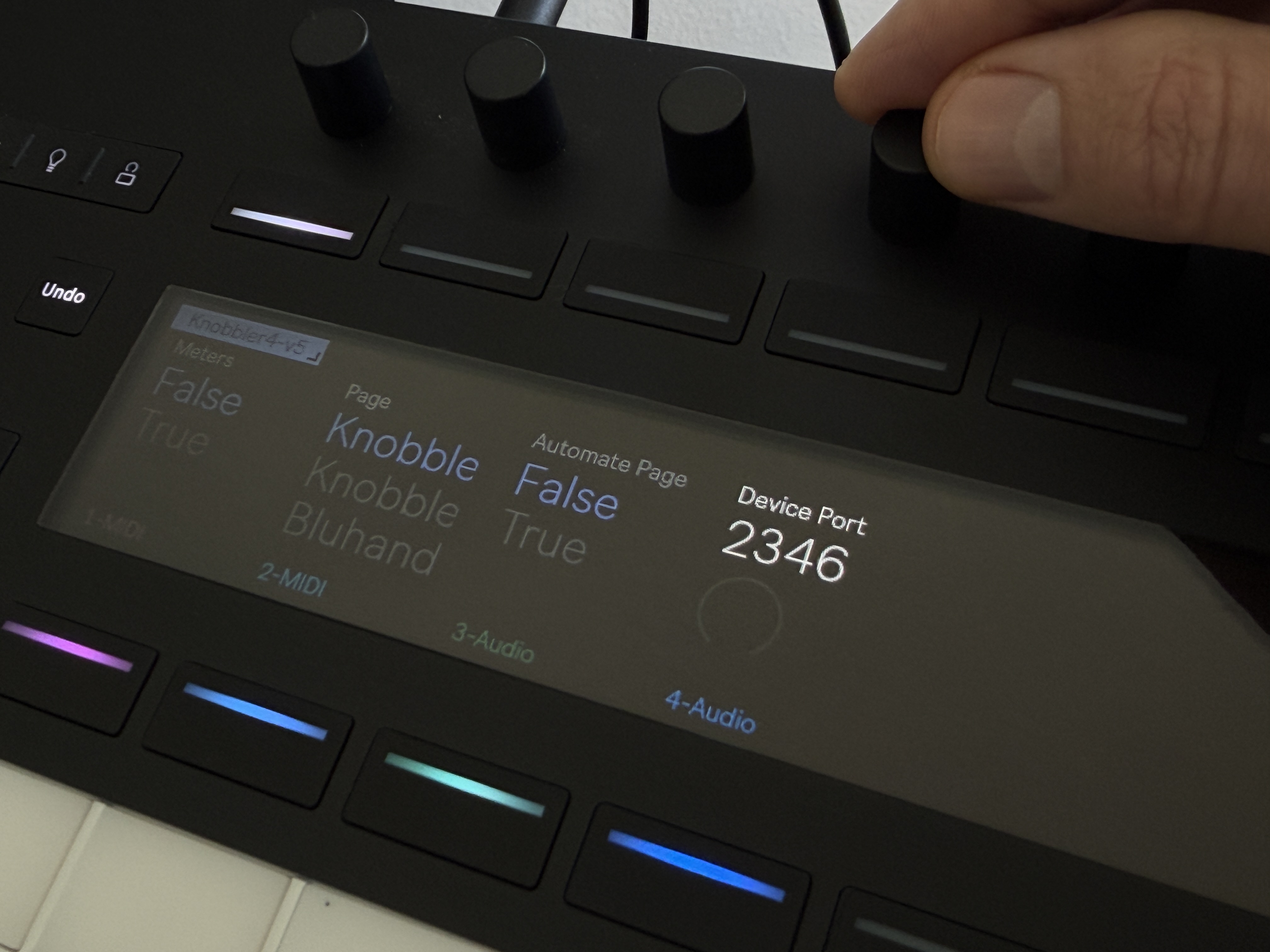
The receive port is exposed as a Live parameter named Device Port, so you can change it from anywhere you can change Live parameters — even on Push 3 Standalone.
If you want to use more than one tablet or phone, then follow these instructions here: Multiple Tablets / Phones.
Next, check out all of Knobbler's Features.
If you're having trouble, then check out Troubleshooting.
If you are somewhere without a WiFi network, here are some instructions to connect over USB or create a private WiFi network on your Mac.